
There is a particular kind of software irritation where the feature you need exists, the app supports it, and the integration you are using has apparently never heard of it.
You can see the button on your phone. You just have to personally supply the finger.
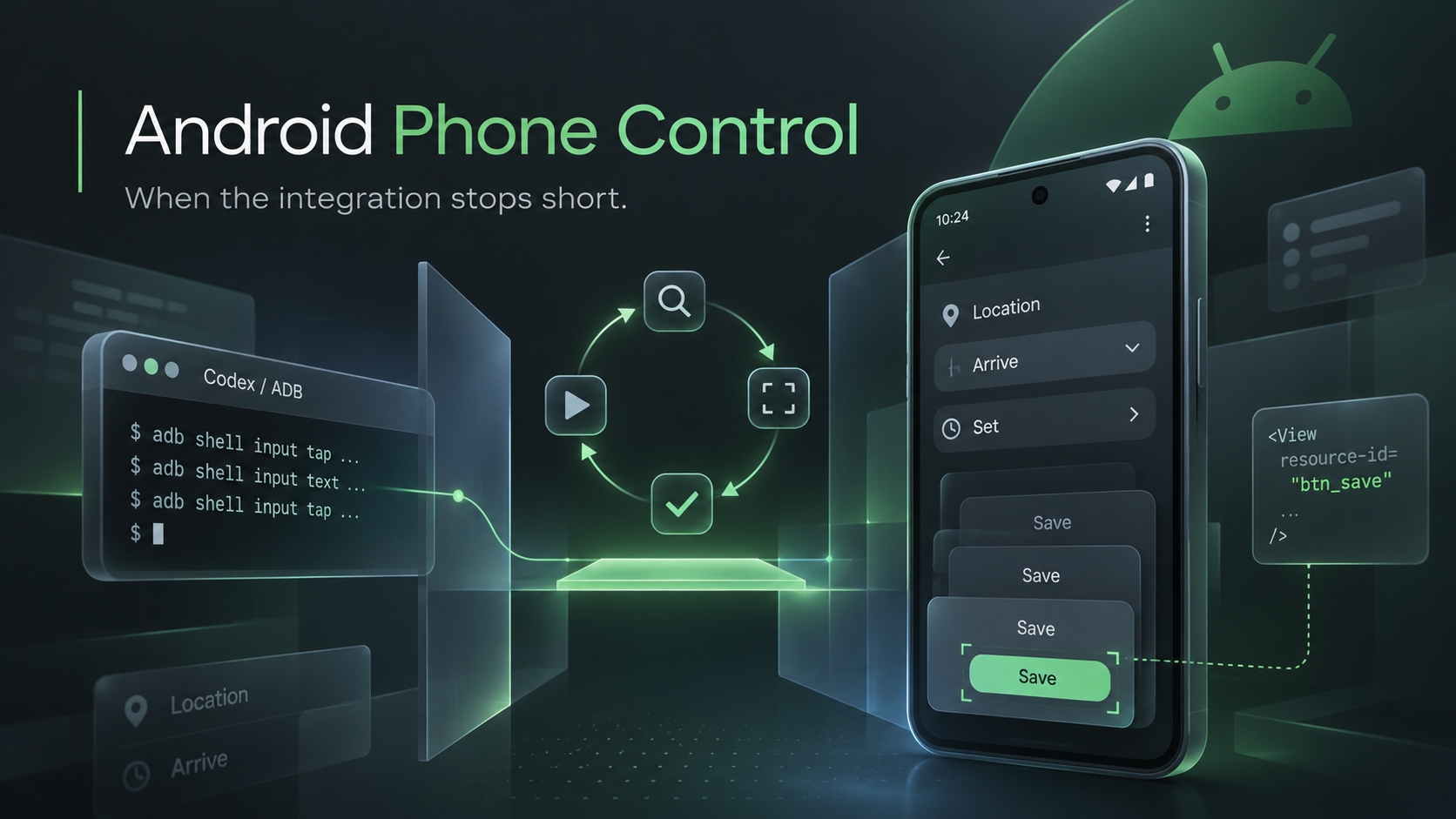
That is the sort of gap android-phone-control is meant to handle. It is a Codex skill with a small Python helper for operating Android apps over a paired ADB connection. It can inspect the interface, capture screenshots, tap controls, swipe, and enter text.
This also fits a habit I am trying to build: when something useful comes out of a Codex session, turn it into a skill while the details are still available.
There is a reasonable argument that this is AI slop. Fair enough. I would at least like my slop to come with a README and be useful a second time.
I am still a little skeptical of the whole agent-skills thing. We have reached the point where putting instructions in a folder gets a product category. Somewhere, a shell script with a README is wondering why nobody ever invited it to a conference.
Still, a surprising amount of the value in these sessions lives in the annoying details. Which command worked. Which control was actually editable. Which apparent success turned out to mean almost nothing. Leave all of that in a chat history and the next attempt becomes an archaeological project.
Putting it into a skill gives the next session somewhere better to start.
For this one, the operating loop is straightforward: inspect the current screen, identify the intended control, perform an action, and inspect what happened.
The helper requires an explicit device and app package. It captures fresh UI state before making changes and rejects ambiguous matches. Text entry checks the field’s current contents before replacing them. Screenshots help with controls that the UI hierarchy does not describe properly.
These details become useful very quickly when an app presents several controls with the same label, changes screens unexpectedly, or decides a notification belongs directly over the thing you were about to press.
The phone has its own plans.
Any.do provides a good example of why this exists. Its connected tools can handle tasks, notes, and subtasks, while some reminder and priority controls need the mobile interface. The repository includes notes on those mobile workflows, including location reminders and the differences between ordinary tasks and Smart Grocery List items.
It also documents the small administrative ceremony involved in saving things. Depending on the screen, you may select a place, choose Arrive, press Set, save the reminder, and then save the task.
Apparently the first Save was an opening statement.
That makes verification a substantial part of the skill. A tap can succeed while the requested change remains unsaved. The workflow calls for reopening the edited item and checking the actual values.
Even then, a saved location reminder and a notification that has successfully fired are separate things to verify. There is also no configurable radius in the Any.do editor documented here. Putting “500 metres” in a location name would produce a very specific label and exactly zero additional geofencing capability.
I want those limitations written down alongside the working steps. They are useful knowledge too.
The same applies when a connection drops during an action. The helper leaves a private action record, and the workflow calls for inspecting the app before trying again. Repeating an uncertain action is an excellent way to turn one confusing task into two confusing tasks.
Getting started requires Python, Android Platform Tools, and pairing the phone for wireless debugging. The repo includes the setup instructions. Screenshots and runtime records stay outside the checkout, so the reusable part can be shared without bringing someone’s phone contents along.
The broader experiment is getting consistent about preserving this kind of work. Solve a problem, capture the procedure, include the awkward bits, and improve it when reality supplies another correction.
Over time, I would like a collection of small skills that reflect things I actually do. Each one should save some rediscovery and give Codex a clearer account of what working looks like.
This entry happens to involve an Android phone and several opportunities to misunderstand a Save button.
Seems like a reasonable place to start.
The code, skill, and installation instructions are on GitHub: nigeldaniels/android-phone-control.

